Make your gift
Give $8 a month or $96 a year to East Tennessee PBS at our Passport sign-up page. Use an email address you check regularly.
Give & get Passport ↗
Stories that stay with you. Familiar favorites that feel like home. Passport brings you more of the PBS you love—and your gift keeps East Tennessee PBS here for our community.
$8/month or $96/year · A thank-you for your support

With a qualifying gift to East Tennessee PBS, Passport gives you extended, on-demand access to a rich library of PBS programs. Settle in for available seasons of a favorite drama, explore remarkable history, or follow your curiosity somewhere new.
Your donation also supports the work we do right here: local storytelling, educational resources, trusted information, and community connections. You give to East Tennessee PBS. Passport is one way we say thank you.

Extraordinary stories that help us understand America—and each other. Explore the films currently available with Passport.
Explore Ken Burns →
Big questions. Remarkable discoveries. Explore the world through an extensive selection of NOVA episodes.
Follow your curiosity →Compelling mysteries, unforgettable characters, and beloved dramas—including All Creatures Great and Small.
Find your next favorite →
Stay informed with thoughtful reporting and context. Watch free in the same PBS app you use for Passport.
Watch PBS News Hour →Passport adds an extended library to the free PBS viewing experience. Titles, seasons, episodes, and early-access offers vary over time and by location. Not every PBS program or every episode is included; check each title’s current availability.
There’s a whole community of stories waiting for you. Discover the familiar faces, remarkable histories, student achievements, and performances that make East Tennessee PBS your local station. Your support helps make this work possible.

Join Dr. Jay Crook for conversations about health issues that matter to East Tennesseans.
Explore episodes →
Cheer on local students as school teams put their knowledge to the test.
Explore episodes →
Move more and feel better with fitness instruction and encouragement from Missy Kane.
Explore episodes →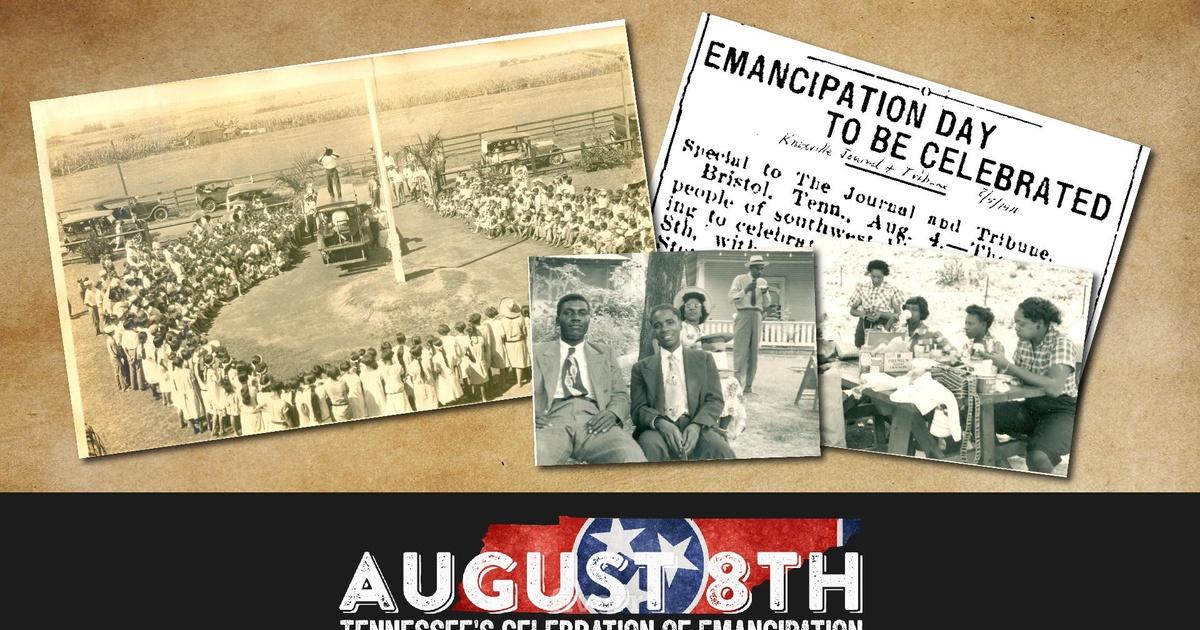
Explore the history, voices, and contributions of Black communities in the mountain South.
Explore episodes →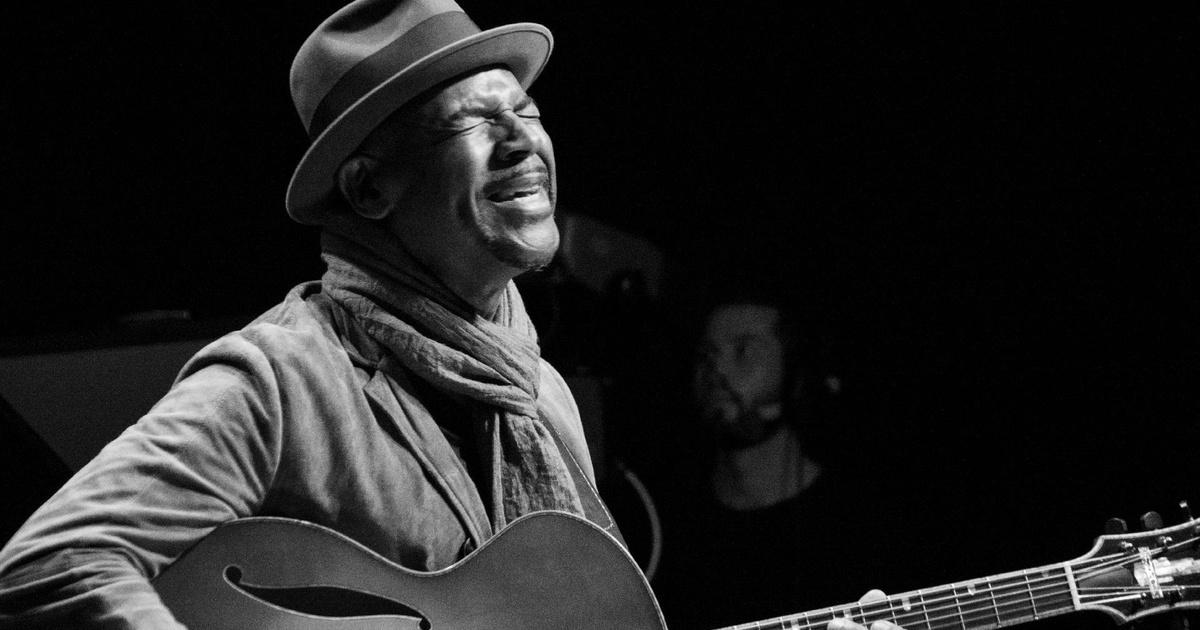
Settle in for great performances from the world of jazz.
Explore episodes →
Discover the people, places, history, arts, and traditions that make our region special.
Explore episodes →Local favorites. National discoveries. See what’s available today at watch.easttennesseepbs.org.
Many local programs are free to stream. Some episodes may require Passport; availability varies by program and streaming rights.
New to Passport? Follow these steps. Already activated? Sign in with your existing PBS account and start watching.
Give $8 a month or $96 a year to East Tennessee PBS at our Passport sign-up page. Use an email address you check regularly.
Give & get Passport ↗Watch for Passport activation instructions after your gift is processed. Check spam, junk, and promotions folders. Your email will include an activation link or four-word code.
Can’t find the email? ↗Follow the link or enter your code at pbs.org/passport. Sign in to an existing PBS account, or create one. Confirm the account and accept the Passport terms.
Activate Passport ↗Open our video website or the PBS app. Choose East Tennessee PBS as your station and sign in with the very same account you used to activate Passport.
Start watching ↗Passport lives inside the PBS app and PBS websites. There’s no separate Passport app to download.
Common options include Roku, Fire TV/Fire Stick, Apple TV HD/4K, Android TV/Google TV, supported Samsung TVs (2017 and later), VIZIO SmartCast, and supported Comcast/Xfinity devices. Compatibility varies by model.
Can’t find the app? An external supported streaming device can be an option for a TV without a compatible PBS app.
Get the PBS app & device instructions ↗Downloading the app is free. Streaming needs an internet connection; PBS does not offer offline episode downloads. Mobile-data charges may apply.
Open official PBS app download links ↗Use an up-to-date version of Chrome, Safari, Firefox, or Microsoft Edge. No app download is needed on your computer. You can also watch at PBS.org.
Explore everything available now ↗Device availability depends on model and software. Use the PBS app rather than a smart TV’s built-in web browser. Check PBS’s current supported-device list ↗
Watch the East Tennessee PBS live stream in a supported browser or select Live TV in the PBS app on a supported device. Choose East Tennessee PBS as your station and allow location access if asked.
The local live stream is free—Passport is not required. It’s available in our broadcast service area, with some programs subject to streaming restrictions. The live-stream schedule may differ from the broadcast schedule.
Watch East Tennessee PBS live ↗Choose what’s happening for a practical next step.
Passport is a thank-you benefit for qualifying East Tennessee PBS donors. It adds extended access to an on-demand library of PBS programs on PBS websites and the free PBS app. Your donation supports this local station and its service to the community.
Our current Passport offer is $8 per month or $96 per year. Start at easttennesseepbs.org/passport. Already giving? Contact Gary Ellis so he can check your eligibility and activation status before you make another gift.
No. It includes an extended selection of drama, documentary, history, science, arts, and other programming. Available titles and episodes change as streaming rights change. Look at the current Passport library before signing up for a particular show.
Yes. Many programs are available free on PBS websites and the PBS app. East Tennessee PBS’s local live stream is also free in our service area. Passport extends access to additional on-demand programs; your donation helps keep public television available for our whole community.
No. Download the free PBS app. Passport programs, free programs, and supported local live streams are found within the PBS experience. Use the account linked to Passport to unlock eligible member videos.
Your station donation record and your PBS viewing account need to be linked. Activation makes that connection. Follow the activation email, sign in or create a PBS account, confirm the account, and accept the Passport terms. Once activated, use that same sign-in everywhere.
They are different steps. Your Passport activation link or four-word code links the benefit to your account at pbs.org/passport. A code displayed on a TV signs that device into your account, usually at pbs.org/activate. Follow the address on your TV and use the account already linked to Passport.
Yes. Sign in on each supported device with the same account you used when activating Passport. You do not need another donation or a new Passport benefit for each device. Your home internet speed can affect simultaneous playback.
No. PBS MASTERPIECE and PBS Documentaries channels on Amazon are separate subscriptions with their own catalogs and billing. An East Tennessee PBS Passport benefit is used through PBS websites and the PBS app; it does not unlock paid Amazon channels. On a Fire TV, install the PBS app and sign in there.
No. You can download the PBS app, but PBS does not currently offer downloads of episodes for offline viewing. Streaming requires an internet connection.
Go to our live stream, or select Live TV on a supported PBS app device. Select East Tennessee PBS as your station and allow location access if asked. Local live streaming is limited to our service area. No Passport donation is required.
On-demand Passport viewing is available in the United States and its territories, and Canada, subject to each program’s rights. Catalogs can differ. It is generally unavailable elsewhere. The East Tennessee PBS local live stream has separate service-area restrictions, even for donors.
PBS KIDS has its own free viewing options through the PBS KIDS website and PBS KIDS Video app. You do not need Passport for that free service. Visit PBS KIDS Video.
During playback, look for the CC or captions control in the video player or playback settings. The exact location depends on your device. Choose your preferred caption option where available.
Contact Gary Ellis at gellis@easttennesseepbs.org or 865-595-0239 for help with your East Tennessee PBS donor record, recurring gift, or Passport benefit. Deleting the PBS app does not stop a recurring donation.
Gary can help with East Tennessee PBS gifts and benefits. If your Passport benefit comes from another station, contact that station about its donation or activation record. You can still choose East Tennessee PBS to explore local programs.
No matching questions. Try another word, or contact Gary below.
Whether you’re signing up, switching TVs, or trying to get back into your account, we’ll help you find your next step.
Membership Manager
gellis@easttennesseepbs.org865-595-0239Tell Gary the email associated with your gift, your device model, and the message you’re seeing. Please don’t email passwords or payment-card details.
Come for the stories. Stay connected to your community.
Support East Tennessee PBS & get Passport ↗Instructions reviewed October 23, 2026. PBS interfaces and streaming rights can change.
PBS activation guide · PBS common questions · Passport availability · PBS North Carolina setup guide · South Florida PBS getting started · KPBS Passport FAQProgram imagery courtesy of official PBS program pages. All program names and images belong to their respective owners.